
Keep your business card in Apple Wallet or Google Wallet
A pass for iPhone, Apple Watch and Android phones.
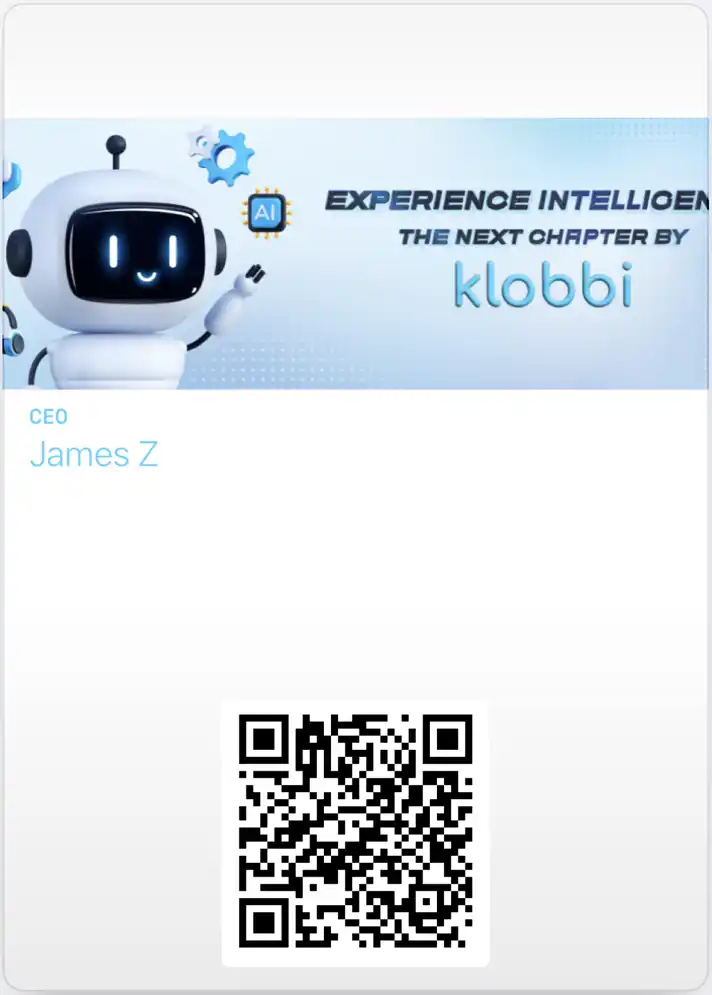
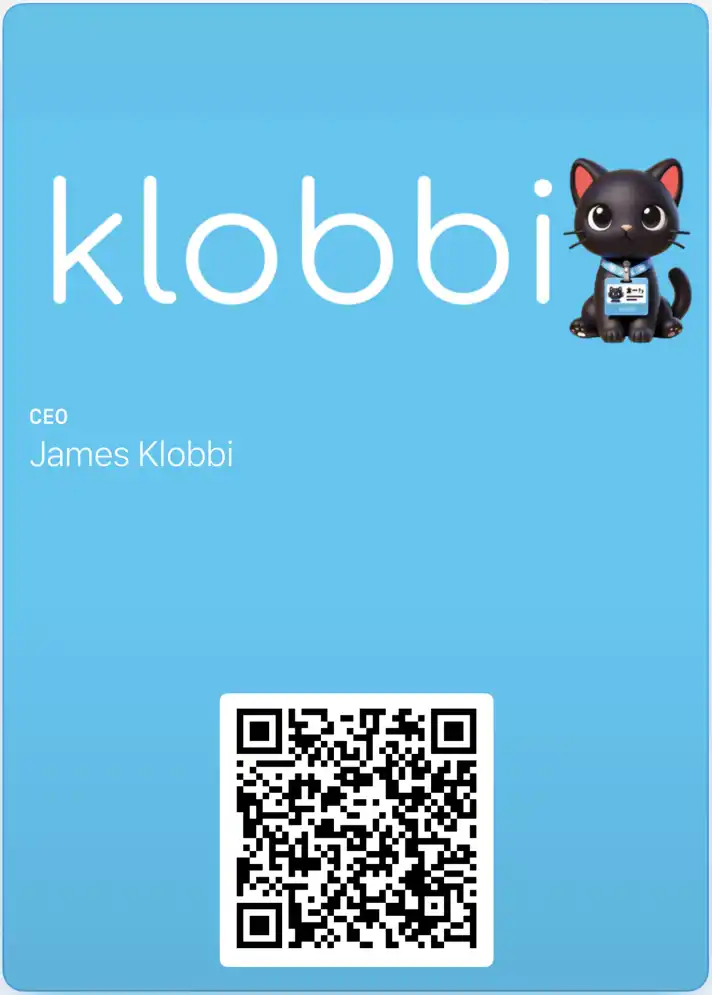
Real Exchange passes in Apple Wallet.
30-day free trial on request, no credit card. Several people need passes? Talk to us
An Apple Wallet business card from Exchange is your Klobbi digital business card saved as a pass on iPhone and Apple Watch; on Android it becomes a Google Wallet pass. Your card page has a button for each. The pass carries your QR code and branding, and it refreshes by itself whenever you edit your card.
What is a wallet pass business card?
A wallet pass is a card stored in Apple Wallet or Google Wallet on a phone. For a digital business card, or e-business card, the pass holds your QR code plus your colors, logo and banner.
When someone scans the QR code on your pass, your card opens in their web browser. They do not need an app.
That makes it handy on a crowded show floor in Bangkok: you open the pass in your phone wallet and hold up the code, with no paper cards to run out of.
- Apple Wallet iPhone and Apple Watch
- Google Wallet Android phones
How do you add your card to Apple Wallet or Google Wallet?
Open your Exchange card page
Use your card's link or scan its QR code.
Tap Add to Apple Wallet or Add to Google Wallet
Both buttons sit on the card page.
Show the QR code on your pass
The pass shows your QR code with the colors, logo and banner from your card.
Let them scan it to open your card
It loads in any web browser, with no app needed. If lead capture is on, they can leave a name and email to see your full card.
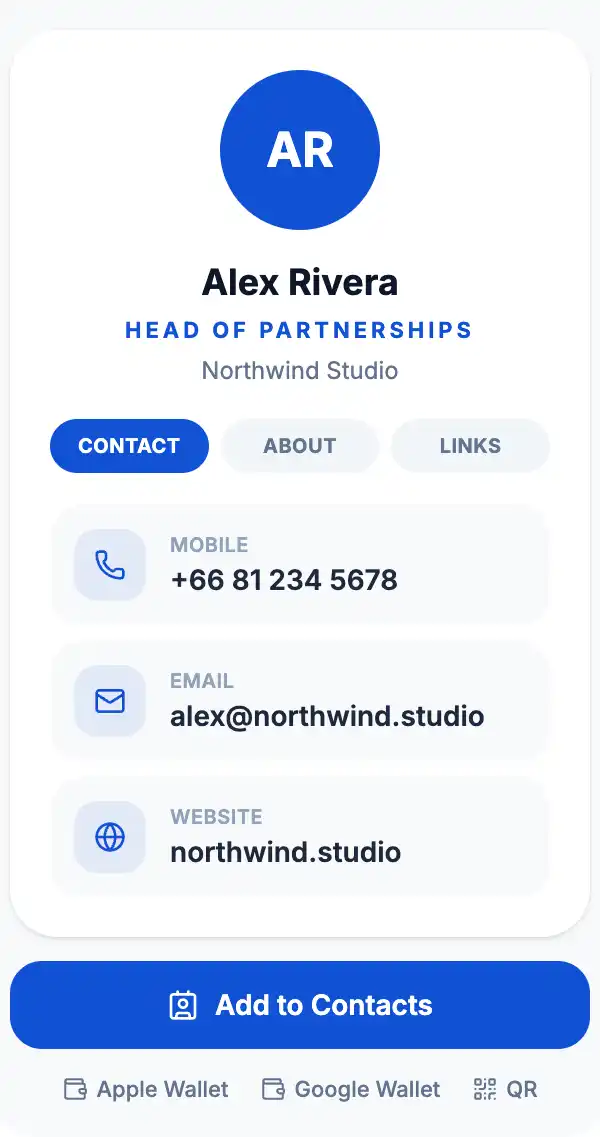
What happens to the pass when your details change?
Nothing you need to redo. Your QR code and link stay the same, the card page updates as soon as you save, and passes already in people's wallets refresh on their own.

How do nearby notifications work?
They are optional. Switch them on and your pass can appear on your lock screen when you are close to your office.
Can a whole team share one pass design?
Yes. An Exchange team workspace uses one wallet design for everyone. See digital business cards for companies.
Need passes for your own users?
Product teams can issue Apple Wallet and Google Wallet passes for their users from a single endpoint. Read about the Exchange wallet pass API.
First time here? Start with the Exchange digital business card overview. Wallet passes are part of the 30-day free trial, with no credit card; after it, Exchange costs ฿500 per user per year in Thailand.
Frequently asked questions
Does an Exchange business card work on Apple Watch?
Yes. Exchange saves your card as an Apple Wallet pass, which works on iPhone and Apple Watch.
Can Android users keep the card in Google Wallet?
Yes. Exchange creates Google Wallet passes for Android phones, each with your QR code, colors, logo and banner.
Do I add the pass again after changing my details?
No. Saved passes refresh by themselves when you edit your Exchange card, and your QR code and link do not change.
What is on an Exchange wallet pass?
Your QR code and your branding: colors, logo and banner. Scanning the code opens your digital business card in any web browser.
Are nearby notifications required?
No. Nearby notifications are optional. When they are on, your pass can show on your lock screen near your office.
Are wallet passes in the free trial?
Yes. Apple Wallet and Google Wallet passes are part of the 30-day Exchange free trial, with no credit card. After the trial, Exchange costs ฿500 per user per year.
Who can help my company in Thailand set up passes?
Our Bangkok team supports customers in Thai and English. Send the form on this page or message us on LINE or WhatsApp.
Talk to us about passes for your company
Use this form to request your 30-day free trial or to ask about the Teams plan. Our Bangkok team sets up your trial, and no credit card is needed.
If your staff will carry Exchange passes, tell us how many people and which phones they use, and we will help you plan the setup.
We reply by email within one working day.
Prefer chat? Use the LINE or WhatsApp button at the side of this page, or message us on WhatsApp at +65 8836 2597. You can also write to sales@klobbi.com.
It helps to tell us:
- How many people need a pass
- Which phones your team uses: iPhone, Android or both
Add your card to your phone wallet
30 days free, with no credit card.