
Wallet pass API for Apple Wallet and Google Wallet
For product teams: give your own users wallet passes through a single endpoint.
You get the wallet pass API with the Exchange Teams plan.
Your back end
Makes one call for each person, keyed by your own external_id
POST
/public-api/developer/wallet-links
Signed with your API key
Returned together
- Link to the card page
- Link to add to Apple Wallet
- Link to add to Google Wallet
How a call flows (sample).
With the Exchange wallet pass API, your back end manages pass holders for your own users: create, update, deactivate, look up or delete them. Each call goes to one endpoint, signed with an API key and keyed by an ID you already use. Replies include Apple Wallet and Google Wallet links. The API is part of the Exchange Teams plan.
What can the wallet pass API do?
Made by the people who build the Exchange digital business card, it gives your back end five actions:
- Add a pass holder and get their links back
- Edit a pass holder without creating a new one
- Switch a pass holder off, and back on later
- Fetch a pass holder's current record
- Remove a pass holder permanently
Each reply returns three links: the card page, Apple Wallet and Google Wallet.
A typical case in Thailand: a membership program, an event organizer or a company HR system already gives each person an ID and wants that person to carry a matching pass in Apple Wallet or Google Wallet. Our Bangkok team can talk through an integration like that in Thai or English.
How does the wallet pass API work?
Get your key
In your Klobbi account, open the Developer panel and generate a key, then pass it as a Bearer token. Keys work one at a time; creating another one cancels the previous key.
Make the call
POST to
/public-api/developer/wallet-linksat the API base URL for your integration. GET returns a pass holder's record, and DELETE removes it.Keep the links and send them on
Save the three links from the reply and share the Apple Wallet and Google Wallet links with the person.
POST {API base URL}/public-api/developer/wallet-links
Authorization: Bearer {your API key}
{ "external_id": "EMP-00421", … }What is external_id?
An identifier that never changes for a person, such as a staff number. If you send a value the API has seen before, it edits that pass holder instead of adding a duplicate. Only a one-way hash of the ID is stored, never the ID itself. Email addresses make poor IDs because people change them.
Which mode suits you?
generated_card: Klobbi builds the card and sets where its QR code points. This is the usual choice.custom_qr: the QR value comes from you.existing_card: returns wallet links for a card you already have.
Do pass holders need an account?
Choose for each pass holder: card_only creates no account and sends no email; login_no_email creates an account without an email; login_and_send_email also emails a password setup link, but only the first time.
How do edits, switching off and removal work?
Edit
Repeat the call with the same external_id and the new values. The card and pass change where they are, and copies already on phones update to match.
Switch off
Send status “inactive” to hide the card from the public and deactivate its pass. Nothing is deleted; send “active” to bring it back.
Remove
Deletes the card, its pass, any account and the ID link permanently. There is no undo.
What can you brand on the pass?
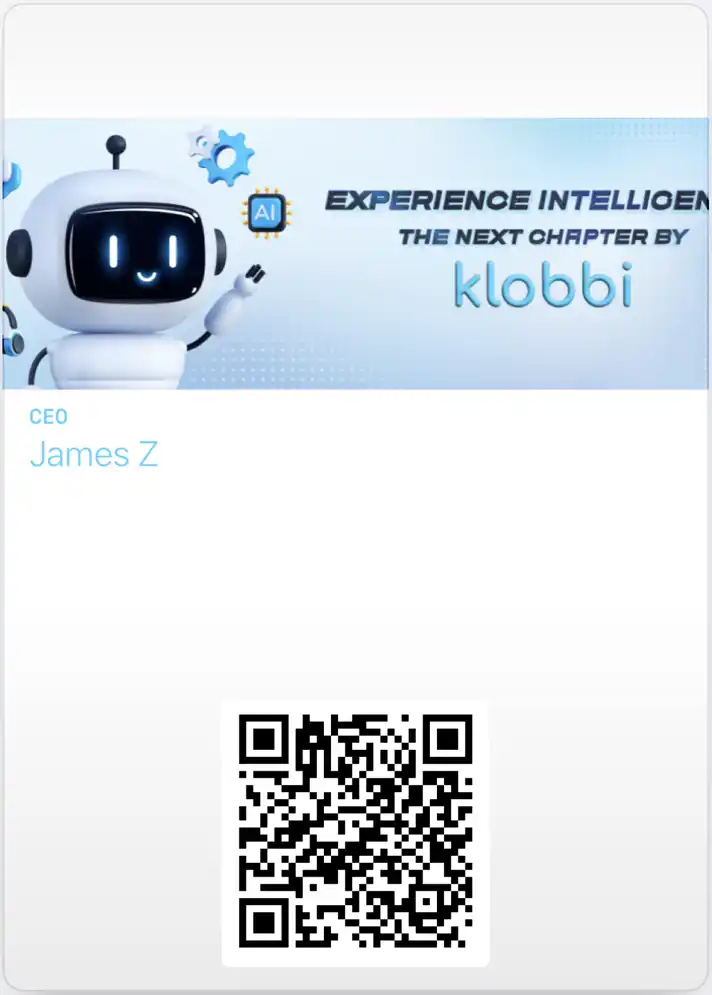
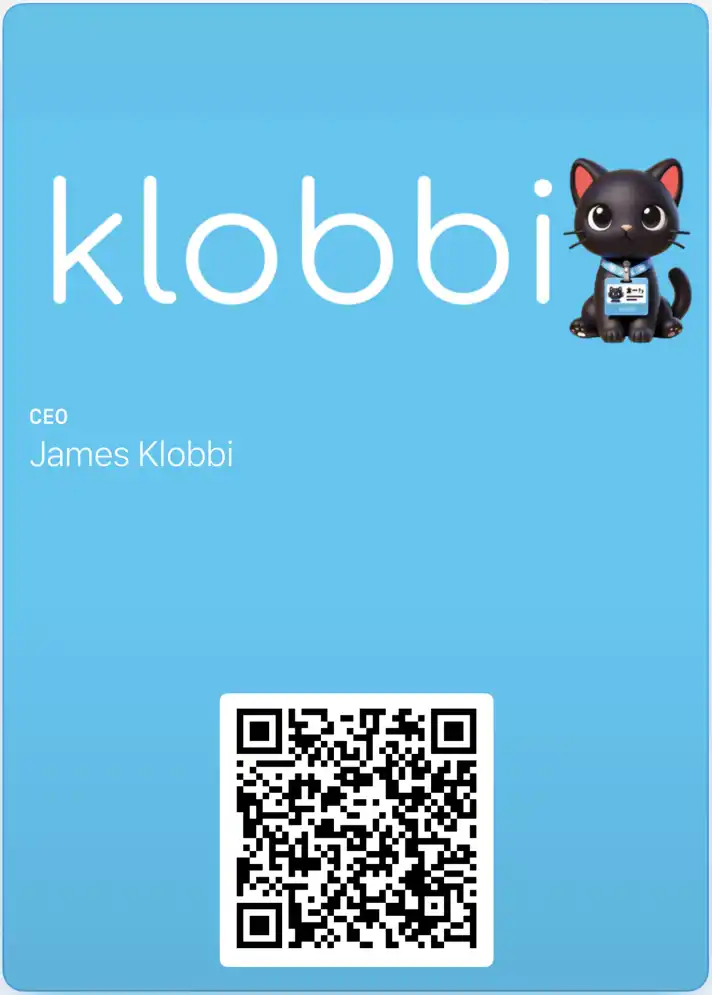
You can set the organization name, the pass name, colors for the foreground, background and labels, plus a logo image URL. For how passes look on a phone, see business cards in Apple Wallet and Google Wallet.
Which errors should your code expect?
The developer guide names three:
| 401 | key missing, invalid or revoked by a newer key |
|---|---|
| 404 | no such record |
| 422 | the request failed validation |
For everything else in the Teams plan, see digital business cards for companies. Read the complete API guide, or talk to us.
Frequently asked questions
Can I issue Apple Wallet and Google Wallet passes through an API?
Yes. With the Exchange wallet pass API, your system creates passes for your own users through one endpoint and gets links for both wallets back.
How do I authenticate?
Create a key in your Klobbi account's Developer panel and pass it as a Bearer token. Only one key works at a time, and making a new key cancels the old one.
How do I change a pass after it is issued?
Repeat the call with the same external_id and the new values. The pass updates where it is, including copies already saved on phones.
Is switching a pass holder off the same as deleting them?
No. Setting status to inactive hides the card and deactivates the pass but keeps all data, so setting it to active restores everything. Deleting permanently removes the card, the pass, any account and the ID link.
Should the external_id be an email address?
No. Pick an ID that never changes, such as a staff number. People change email addresses, and the API relies on the external_id to match every update to the right person.
Which Exchange plan comes with the API?
The Teams plan. To talk about an integration, send the form on this page; our Bangkok team supports customers in Thai and English.
Discuss your integration with us
Use this form to request your 30-day free trial or to ask about the Teams plan. Our Bangkok team sets up your trial, and no credit card is needed.
Tell us what your product does and roughly how many people you expect to issue passes to, and we will reply about the Teams plan and the API.
We reply by email within one working day.
Prefer chat? Use the LINE or WhatsApp button at the side of this page, or message us on WhatsApp at +65 8836 2597. You can also write to sales@klobbi.com.
It helps to tell us:
- What your product or system does
- Roughly how many pass holders you expect
Add wallet passes to your product
Start with the developer guide, or ask us about the Teams plan.