A QR code photo booth
for events in Thailand,
no app required
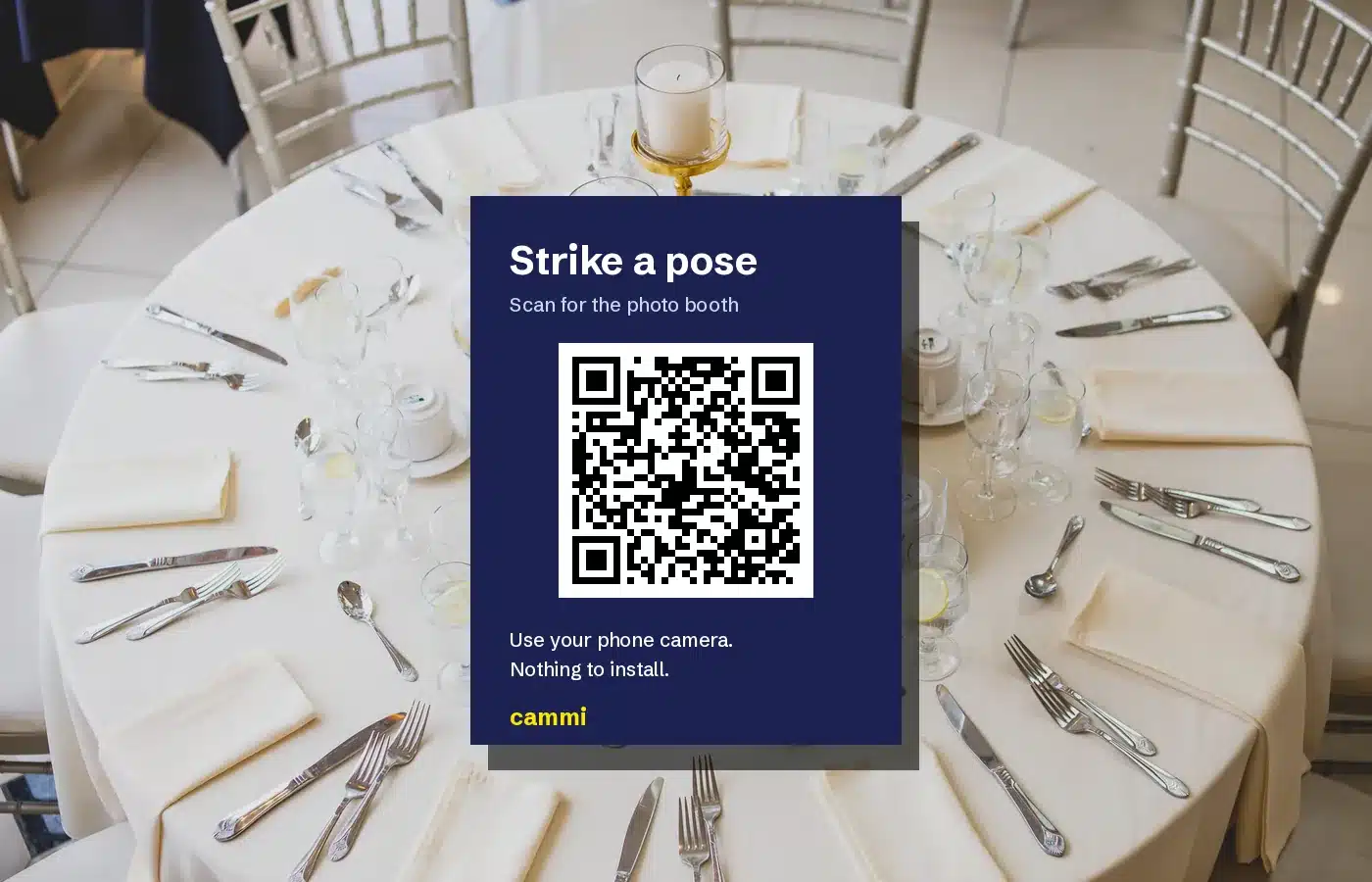
Cammi is a QR code photo booth for events in Thailand. Guests scan the code on their table, take a photo in their phone's browser and keep it inside your event's branded frame, with nothing to download. Klobbi's Bangkok team supports organisers locally, from gala dinners to company conferences.
Runs on the phones guests already have · English, Chinese, Malay and Tamil · Photo links last 30 days
cammi

Scan to open the photo booth
Point your phone camera here.
No download needed.
Where to place your QR code
Put the code wherever guests are already looking. Each extra spot means more photos.
- Table cards at each seat or on the centrepiece
- The welcome screen, and the stage screen between speeches
- The printed programme or menu card
- Your event microsite or app, for anyone joining online
Scan to share in five steps
What a guest sees once they've scanned the code.
-
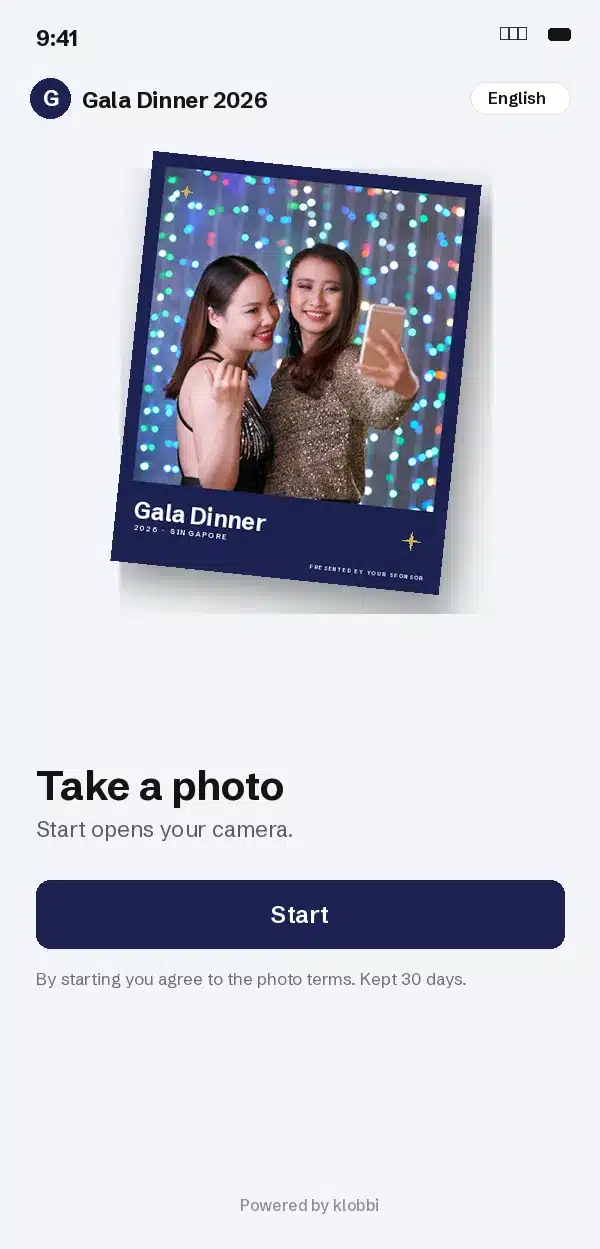
Step 1
Start
The booth opens with your event name. Guests tap Start once they've agreed to the photo terms.
-
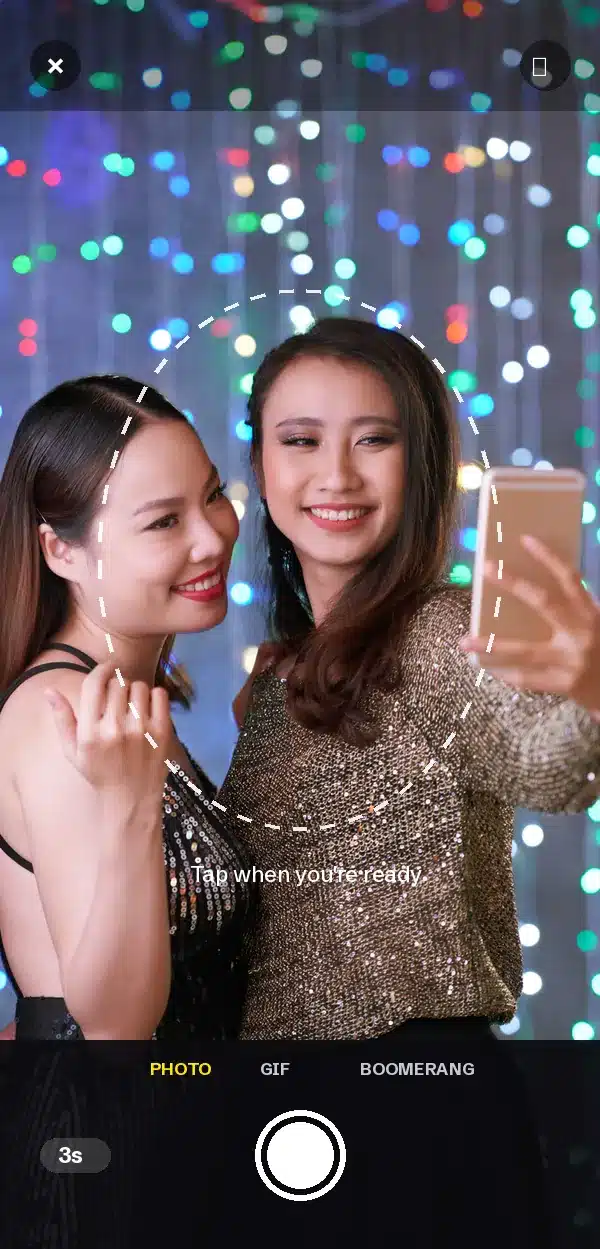
Step 2
Take the photo
A three-second countdown and a framing guide in the browser camera.
-
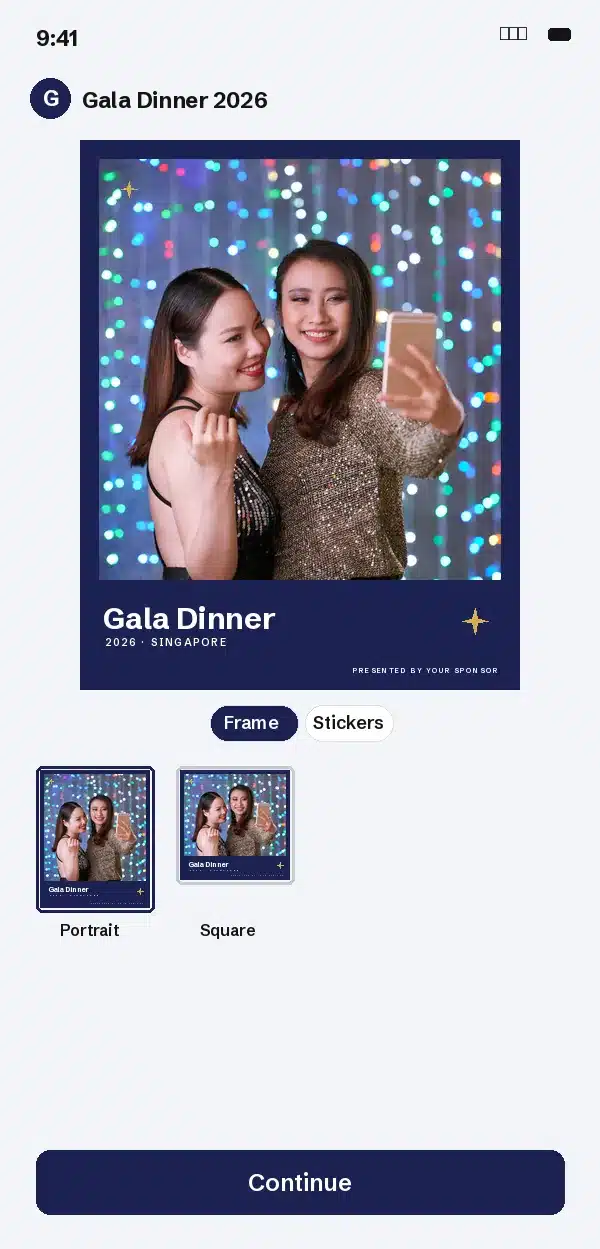
Step 3
Pick a frame
Portrait 4:5 or square, showing your event name, date and sponsor.
-
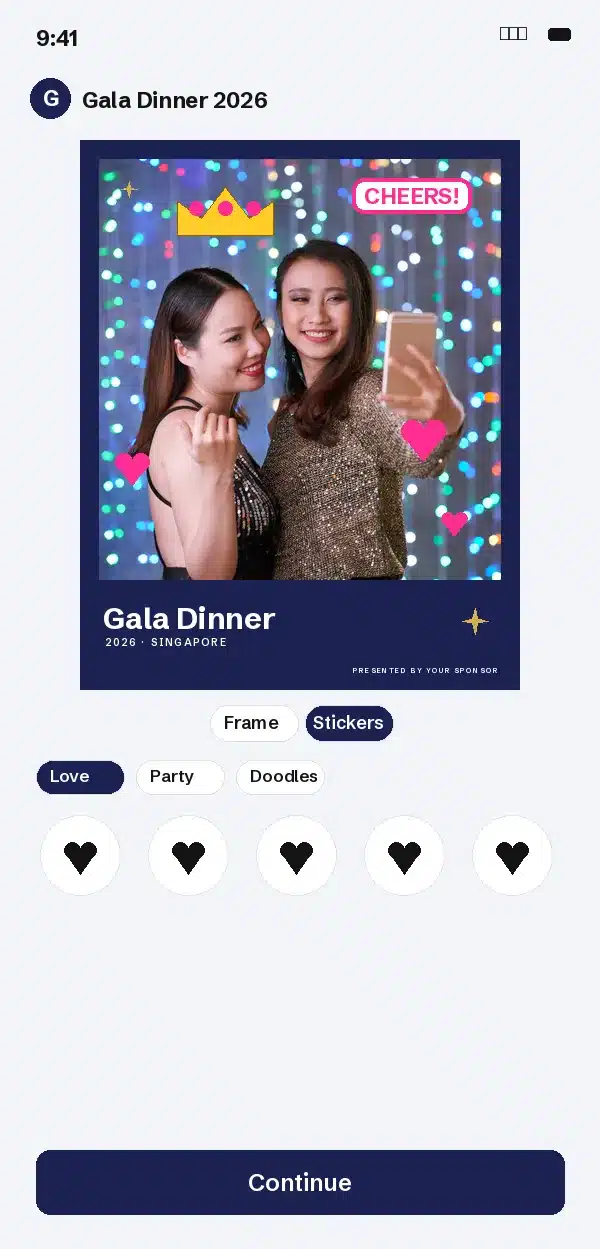
Step 4
Add stickers
Tap to add one, drag it into place, rotate it, or tap × to remove it.
-
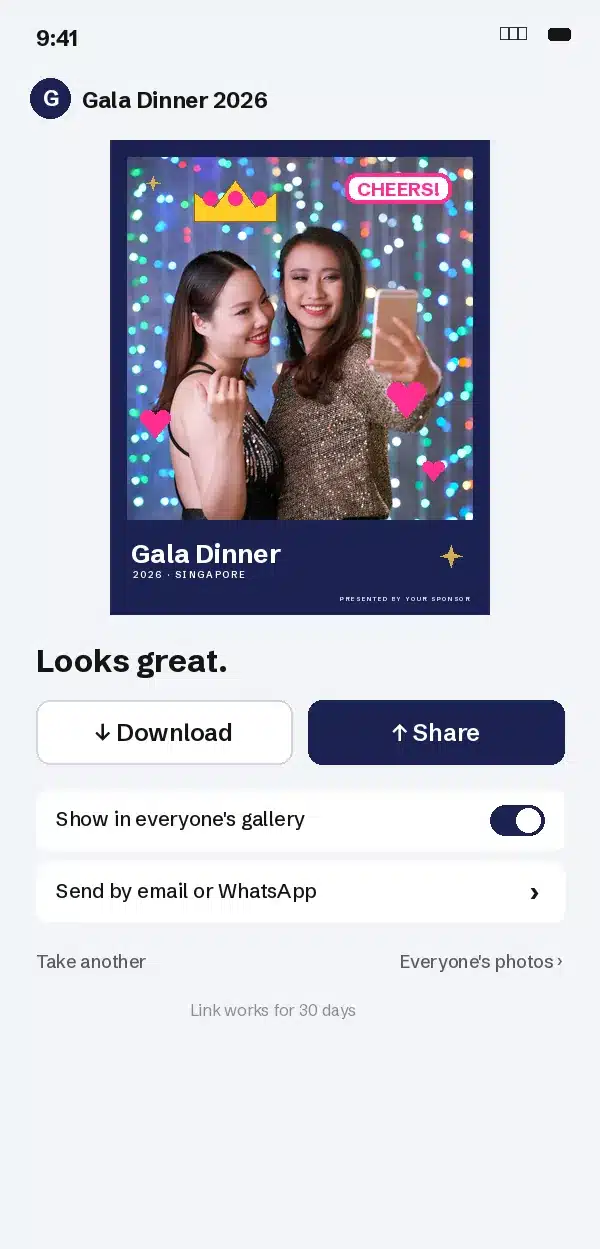
Step 5
Keep the photo
Download it, share it, send it by email or WhatsApp, and opt in to the shared gallery.
Illustrated Cammi screens for a sample event.
QR code photo booth vs a photo booth app
Most photo booth apps run on a tablet that the booth operator installs and looks after. A QR code photo booth such as Cammi runs on guests' own phones, so there's no booth or tablet to install at the venue and nothing for guests to download.
| Tablet photo booth app | Cammi QR code booth | |
|---|---|---|
| Runs on | A tablet or kiosk at the venue | Each guest's phone, in the browser |
| Getting started | Queue at the device | Scan the QR code from their seat |
| Guests at once | One group per device | Every guest, all at once |
| Online attendees | Not at the venue, so left out | Open the same booth from your event site |
QR code photo booth FAQs
How does a QR code photo booth work?
Guests open the booth by scanning a QR code with their phone camera. It runs in the phone's web browser, so there's no app to install and no cabinet to hire. Cammi is Klobbi's QR code photo booth, and every event gets its own link.
Which languages can guests use?
English, Chinese, Malay and Tamil, switched with a single tap.
What do guests agree to, and who is responsible for the data?
Guests accept the photo terms before the camera opens, and photo links work for 30 days. Under Thailand's Personal Data Protection Act B.E. 2562 (2019), you as organiser remain responsible for attendees' personal data, and Klobbi processes it on your instructions.
Can the QR code sit in our event app or microsite?
Yes. Cammi can be embedded in your event microsite or app, one QR code away, or run at its own link.
Can people who aren't at the venue join in?
Yes. Online attendees at virtual and hybrid events open the same booth from your event site. See our hybrid event photo booth page.
What does a QR code photo booth cost in Thailand?
That depends on your event. Tell us about it and Klobbi will send a quote, plus a demo link styled to your theme.
Get a QR code for your event
Share your event details. We'll send a demo link in your theme so your team can scan it before your guests do.
Request your demo link
Send us the date, the venue, expected guest numbers and whether anyone will join online. Our team replies within one working day.