
Add your business card to Apple Wallet or Google Wallet
Save your card as a pass on iPhone, Apple Watch and Android.
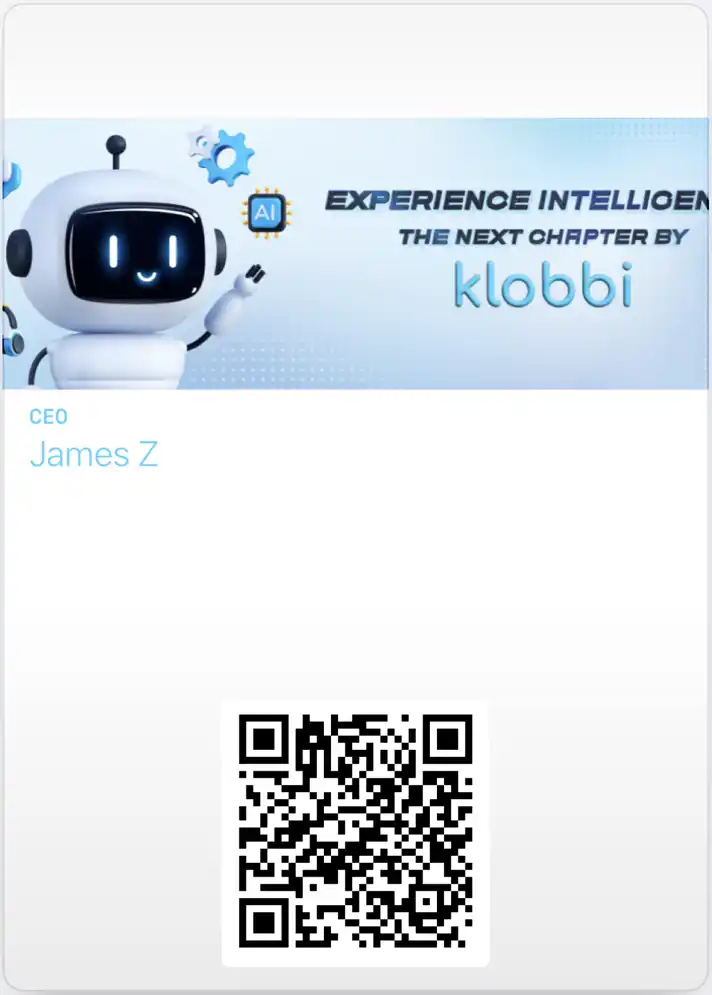
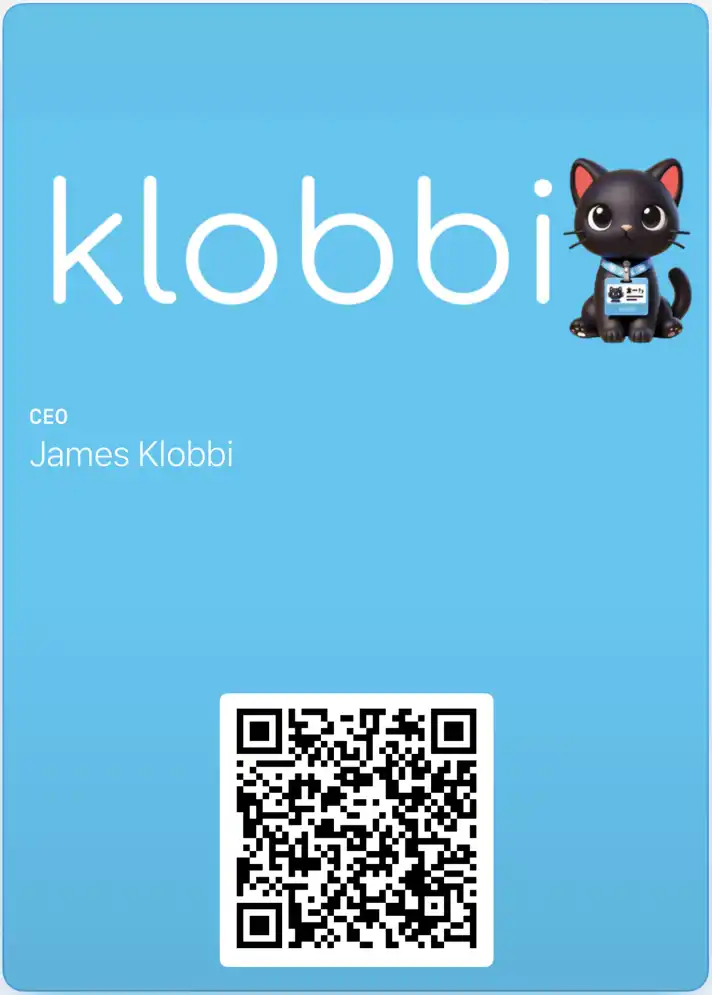
Real Exchange passes in Apple Wallet.
30-day free trial, no credit card. Bringing a team? Talk to us
Exchange is a digital business card from Klobbi, a Singapore company, that can be saved as an Apple Wallet pass on iPhone and Apple Watch, or a Google Wallet pass on Android. The card page has a button for each. Each pass carries your QR code and branding, and refreshes on its own when you edit your card.
What is a wallet pass for a business card?
A wallet pass is a card that lives in Apple Wallet or Google Wallet on a phone. For a digital business card, or digital name card, the pass carries your QR code and your branding: colours, logo and banner.
Someone scans the QR code on your pass and your card opens in any web browser, so they need no app.
- Apple Wallet iPhone and Apple Watch
- Google Wallet Android
How do I add my business card to Apple Wallet or Google Wallet?
Open your Exchange card page
Use your card's link or its QR code.
Tap Add to Apple Wallet or Add to Google Wallet
The card page has both buttons.
Your pass carries your QR code and branding
Its colours, logo and banner come from your card.
Someone scans the QR code to open your card
Your card opens in any web browser, so they need no app. If you switch on lead capture, they can give their name and email to see your full card.
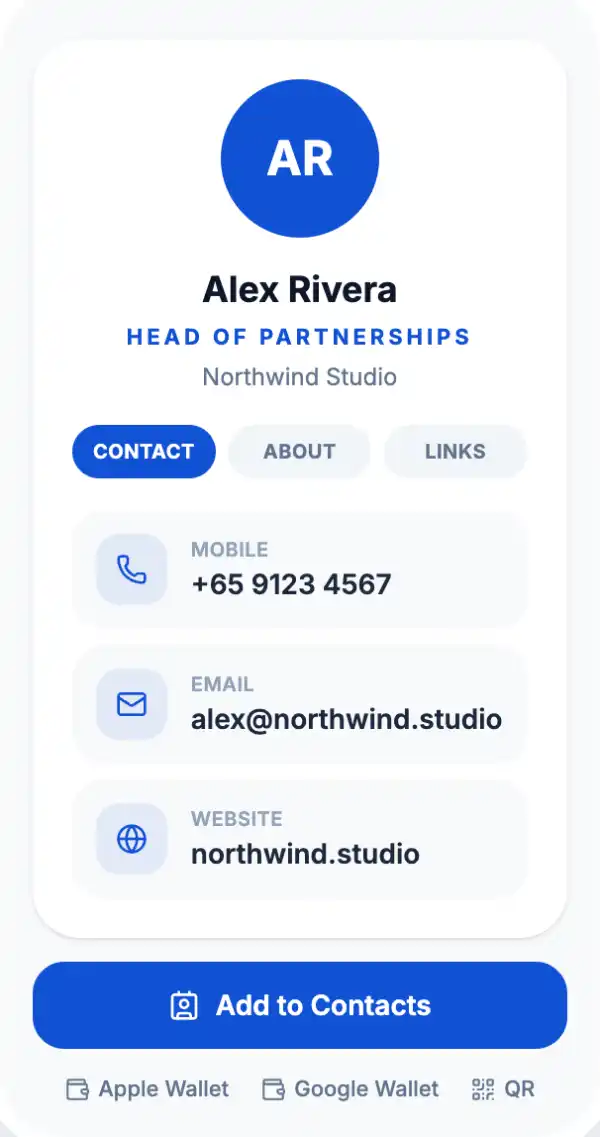
What happens to the pass when my details change?
Your QR code and link never change. Edit your card and the card page updates at once. Wallet passes that have already been saved refresh on their own.

What are nearby notifications?
Nearby notifications are optional. When you switch them on, your pass can show on your lock screen when you are near your office.
Can a whole team use the same pass design?
Yes. An Exchange team workspace has one shared wallet design for the whole team. See digital business cards for teams.
Want passes for your own users?
Product teams can issue Apple Wallet and Google Wallet passes for their own users from a single endpoint. See the Exchange Wallet API.
New to Exchange? Start with the Exchange digital business card overview. The 30-day free trial includes wallet passes, with no credit card; after the trial, Exchange costs S$20 per user per year.
Frequently asked questions
Can I keep my business card on an Apple Watch?
Yes. Exchange saves your digital business card as an Apple Wallet pass, which works on iPhone and Apple Watch.
Does Google Wallet work for digital business cards on Android?
Yes. Exchange creates Google Wallet passes for Android phones. Each pass carries your QR code, colours, logo and banner.
Do I need to add the pass again after changing my details?
No. When you edit your Exchange card, wallet passes that have already been saved refresh on their own, and your QR code and link stay the same.
What does an Exchange wallet pass carry?
An Exchange wallet pass carries your QR code and your branding: colours, logo and banner. Scanning the QR code opens your digital business card in any web browser.
What are nearby notifications on an Exchange pass?
Nearby notifications are an optional Exchange feature: your wallet pass can show on your lock screen when you are near your office.
Are wallet passes included in the Exchange free trial?
Yes. Apple Wallet and Google Wallet passes are included in the 30-day Exchange free trial, with no credit card. After the trial, Exchange costs S$20 per user per year.
Put your card in your wallet
Try Exchange free for 30 days, with no credit card.