
Wallet API: Apple Wallet and Google Wallet passes for your own users
For developers and product teams: issue wallet passes for your own users from a single endpoint.
The Wallet API is part of the Exchange Teams plan.
Your system
Sends one request per person, with your own external_id
POST
/public-api/developer/wallet-links
Authenticated with your API key
One response
- Card URL
- Apple Wallet URL
- Google Wallet URL
Sample flow.
The Exchange Wallet API from Klobbi, a Singapore company, lets your back-end create, update, deactivate, look up and delete wallet recipients, and get ready-to-use Apple Wallet and Google Wallet links in one response. You call one endpoint with an API key, identify each person by your own stable ID, and passes already saved to phones pick up changes. It is part of the Exchange Teams plan.
What does the Wallet API do?
From the team behind the Exchange digital business card, the Wallet API lets your back-end:
- Create a wallet recipient and get their links
- Update a recipient's details in place
- Deactivate and restore a recipient
- Look a recipient up
- Delete a recipient permanently
Each response includes the card URL, one Apple Wallet URL and one Google Wallet URL.
How does the Wallet API work?
Get an API key
Generate a key in the Developer panel of your Klobbi account and send it as a Bearer token. One key is active at a time; generating a new key revokes the old one.
Call the endpoint
Send a POST to
/public-api/developer/wallet-linkson the API base URL for your integration. GET looks a recipient up; DELETE removes one.Store and send the links
Store the card URL, Apple Wallet URL and Google Wallet URL from the response, and send the wallet links to the person.
POST {API base URL}/public-api/developer/wallet-links
Authorization: Bearer {your API key}
{ "external_id": "EMP-00421", … }What is external_id?
Your own stable ID for each person, such as an employee ID. Sending the same value again updates the existing recipient instead of creating a duplicate. The API stores a one-way hash of it, not the plain text. Do not use an email address as the ID, because it can change.
Which mode should I use?
generated_card: Klobbi generates the card and its QR destination. Most integrations use this.custom_qr: you supply the QR value.existing_card: get wallet links for a card that already exists.
Does each person need a login?
You choose per recipient: card_only (no login account, no email), login_no_email, or login_and_send_email, which sends a password setup email on first provision only.
How do updates, deactivation and deletion work?
Update
Send the same external_id with new values. The card and wallet pass update in place, and passes already saved to phones pick up the change.
Deactivate
Set status to "inactive". The card is hidden from public view and the pass is deactivated; no data is deleted, and "active" restores it.
Delete
Permanently removes the card, wallet pass, any login account and the ID mapping. It cannot be undone.
What can I brand on the pass?
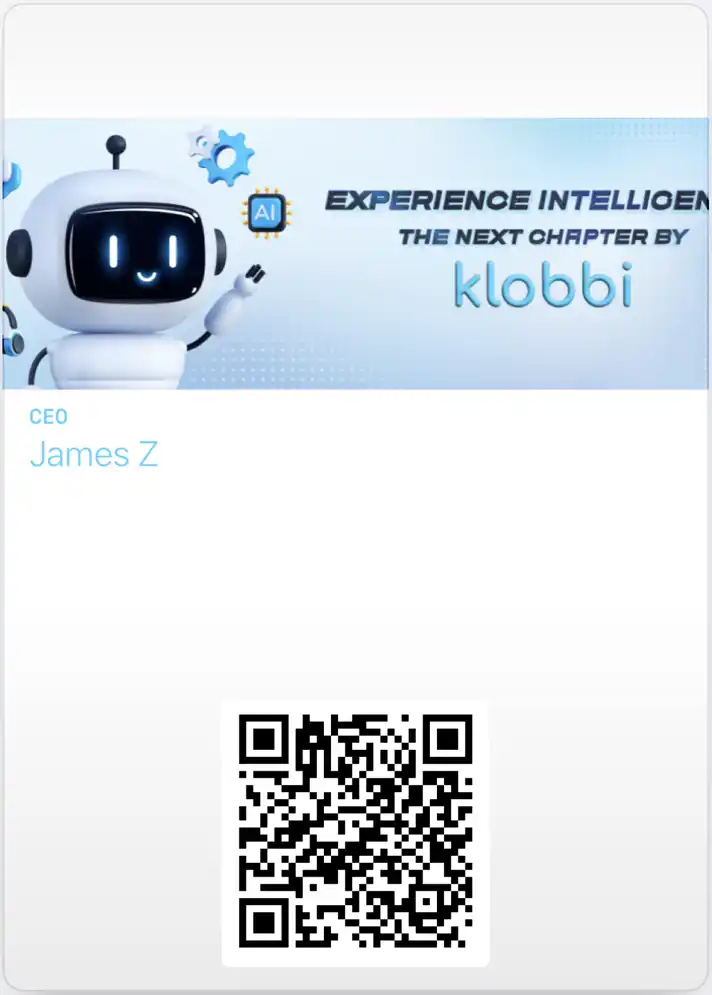
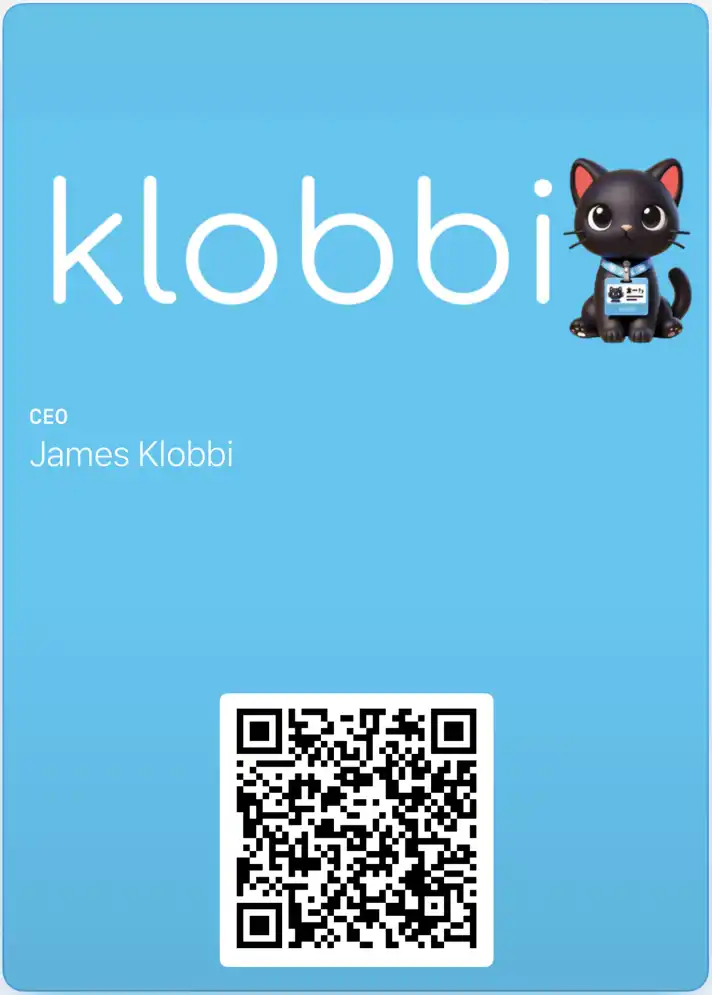
Organisation name, pass name, foreground, background and label colours, and a logo image URL. More on passes: Apple Wallet and Google Wallet business cards.
Which errors should I handle?
The guide names three:
| 401 | key missing, invalid or rotated |
|---|---|
| 404 | not found |
| 422 | validation |
See Exchange for teams for the rest of the Teams plan. Read the full Wallet API guide, or talk to us.
Frequently asked questions
Is there an API for Apple Wallet and Google Wallet passes?
Yes. The Exchange Wallet API from Klobbi issues Apple Wallet and Google Wallet passes for your own users from a single endpoint and returns ready-to-use links for both.
How do I authenticate with the Exchange Wallet API?
Generate an API key in the Developer panel of your Klobbi account and send it as a Bearer token. Only one key is active at a time; generating a new key revokes the old one.
How do I update a wallet pass through the Exchange Wallet API?
Send the same external_id again with the new values. The card and wallet pass update in place, and passes already saved to phones pick up the change.
What is the difference between deactivating and deleting a recipient?
Setting status to inactive hides the card from public view and deactivates the wallet pass without deleting any data, and setting it back to active restores it. Deleting permanently removes the card, wallet pass, any login account and the ID mapping, and cannot be undone.
Should I use an email address as the external_id?
No. Use a stable ID such as an employee ID. Email addresses can change, and the Exchange Wallet API uses the external_id to match updates to the right person.
Which Exchange plan includes the Wallet API?
The Wallet API is part of the Exchange Teams plan. To discuss an integration, use the Talk to us form on the Exchange digital business card page.
Build wallet passes into your product
Read the full developer guide, or talk to us about your integration.