
Share your digital business card by QR code. Follow up on the contacts you capture.
30-day free trial · No credit card · S$20 per user per year
How does Exchange work?
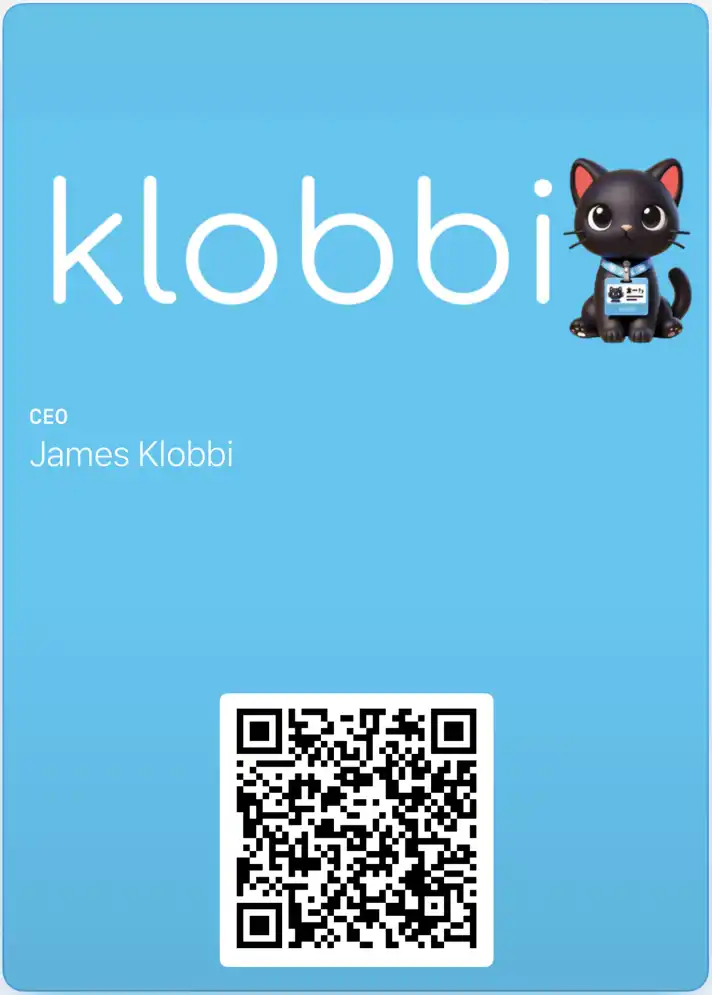
Open your pass
Your card sits in Apple Wallet or Google Wallet and updates when your details change.
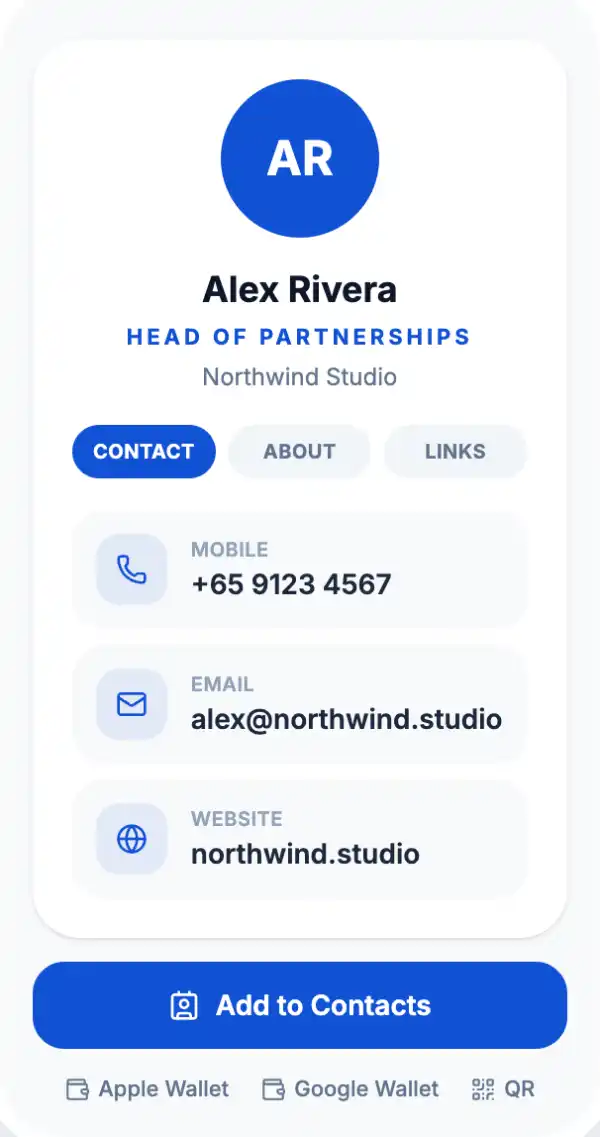
They scan and save
Your card opens in their browser. One tap adds you to their contacts.
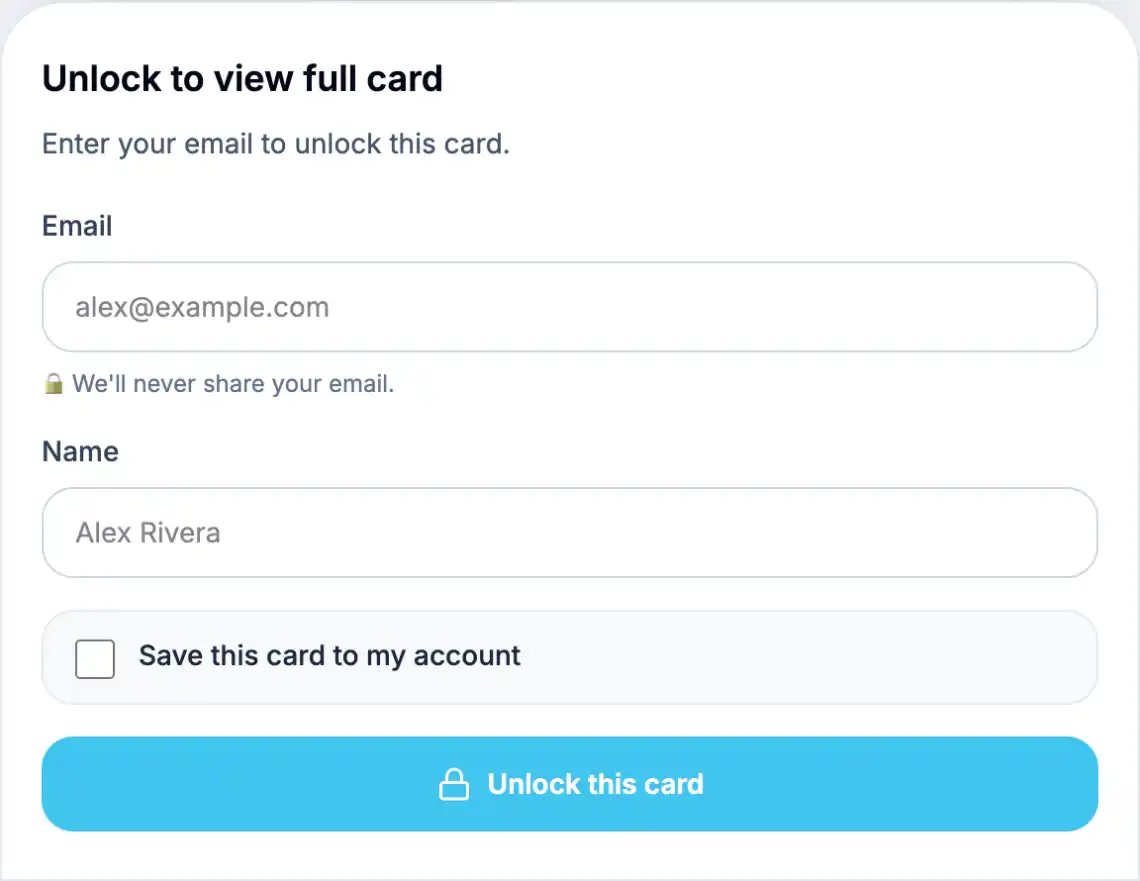
They leave their details
If you switch it on, visitors give a name and email before the full card shows.
Then follow up: each contact lands in your workspace, with notes and reminders.
Bringing a team? Talk to us
What is a digital business card, or digital name card?
Exchange is a digital business card, or digital name card, from Klobbi in Singapore. Share it by QR code or link; it opens in any browser and saves to Contacts in one tap. Switch on lead capture and the contacts you capture land in your workspace, with reminders. It costs S$20 per user per year after a 30-day free trial.

What will people see when they open my card?
A mobile-first card page that opens in any web browser and shows:
- Contact actions, such as call and email
- Your story, in your own words
- Your portfolio and links
- An Add to Contacts button that saves you in one tap
- Add to Apple Wallet and Add to Google Wallet buttons
Sample card. Name and company are made up.
Can I add my card to Apple Wallet or Google Wallet?
Yes. Your card can be saved as an Apple Wallet pass on iPhone and Apple Watch, or a Google Wallet pass on Android. Each pass carries your QR code and your branding: colours, logo and banner.
How to add your business card to Apple Wallet or Google Wallet
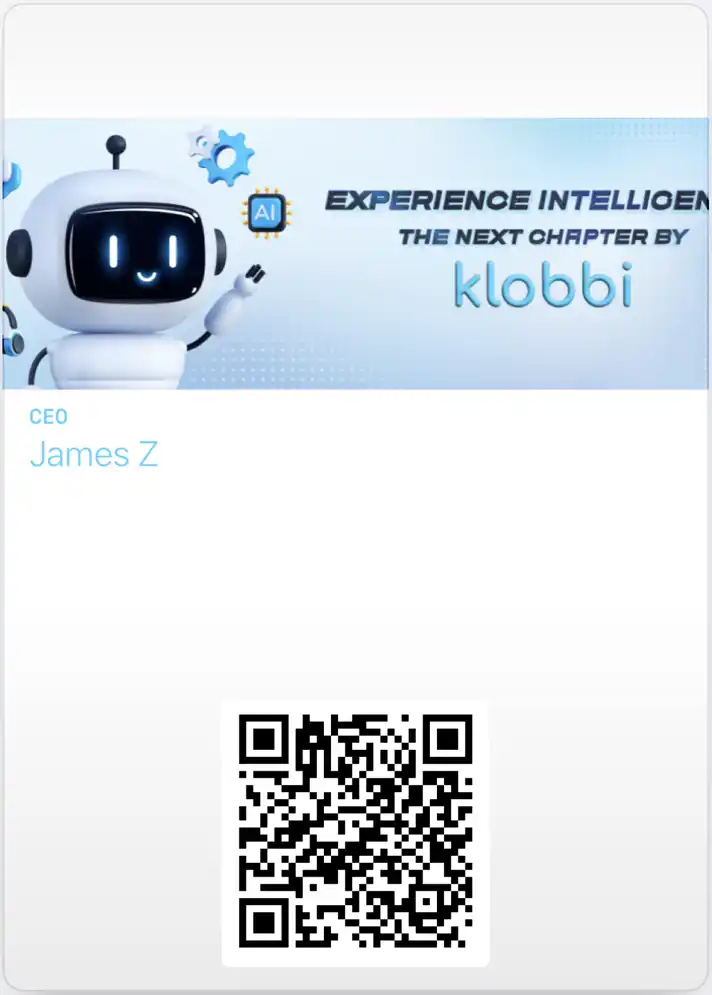
Real Exchange passes in Apple Wallet.
Your QR code and link never change
Edit your card and the card page updates at once. Wallet passes that people have already saved refresh on their own.
Nearby notifications, if you want them
Optional: your pass can show on the lock screen when you are near your office.
Can a digital business card capture leads?
Yes, if you want it to.
You decide whether to ask
Lead capture is optional and switched on by you. When it is on, a visitor gives their name and email to see the full card.
Who can see the details a visitor enters?
Only the owner of that card. You decide whether your card asks visitors for their details, and each visitor decides whether to give them. The details a visitor enters to unlock a card are shared only with that card's owner. Klobbi does not sell personal data.

Contacts land in your workspace
When a visitor gives their details, the contact lands in your workspace, ready to follow up.
Follow up on time
Your workspace has a pipeline, notes and reminders. Add notes on what you discussed and set reminders to follow up. See how lead capture works and our guide on how to follow up after exchanging business cards.
Can people find my card again later?
Yes. People who unlock your card can sign in later and find every card they have saved, on any device.
Can a company use Exchange digital business cards for its staff?
Give your team Exchange cards and run follow-up together.

- A shared lead pipeline and reminders
- Roles and permissions for each member
- One shared wallet design for the whole team
- When someone leaves, their card and its data are terminated
Developers can use the Wallet API to issue Apple and Google Wallet passes for their own users from a single endpoint. About the Wallet API
How much does a digital business card cost?
Exchange starts with a 30-day free trial with no credit card.
Exchange
S$20 per user per year
after a 30-day free trial, no credit card
- One card with your own design
- Apple Wallet and Google Wallet passes
- Lead capture and saved cards
- A workspace with pipeline and reminders
Teams plan
For the Teams plan, talk to us.
- Multiple seats with roles and permissions
- One shared wallet design
- A shared pipeline
- Wallet API for developers: issue Apple and Google Wallet passes for your own users from a single endpoint
- Onboarding help
Guides to digital business cards
Short guides on getting the most from Exchange.

Lead capture
How a scan becomes a contact: optional unlock, then a pipeline, notes and reminders.Following up after exchanging cards
A practical routine for following up after you exchange business cards.Apple Wallet and Google Wallet
How to add your business card to Apple Wallet or Google Wallet, and how the pass refreshes.For company staff
Roles and permissions, a shared lead pipeline and one shared wallet design for your team.Paper vs digital business card
An honest comparison, including when paper is still fine.Wallet API
For developers: issue Apple Wallet and Google Wallet passes for your own users from one endpoint.
Frequently asked questions
Is a digital name card the same as a digital business card?
Yes. A digital name card and a digital business card are the same thing: a contact card you share by QR code or link instead of on paper.
Does the person I meet need an app to open an Exchange card?
No. An Exchange card opens in any web browser, so the person viewing it does not need to install an app.
How do I share my Exchange card?
You share an Exchange card by QR code or link. Both open the same card page.
Is lead capture optional on Exchange?
Yes. Lead capture on an Exchange card is optional: you switch it on or leave it off. When it is on, visitors give their name and email to unlock your full card.
Where do the contacts I capture with Exchange go?
Contacts you capture with Exchange go to your workspace, where you can move them through a pipeline, add notes and set reminders to follow up.
Can I add my Exchange card to Apple Wallet or Google Wallet?
Yes. Exchange creates Apple Wallet passes for iPhone and Apple Watch and Google Wallet passes for Android. Each pass carries your QR code, colours, logo and banner.
What happens to my QR code when my details change?
Your Exchange QR code and link never change. Edit your card and the card page updates at once, and saved wallet passes refresh on their own.
How much does a digital business card cost?
Exchange starts with a 30-day free trial with no credit card. After the trial, Exchange costs S$20 per user per year. For the Teams plan, talk to us.
Can our sales team share leads and reminders in Exchange?
Yes. An Exchange team workspace has a shared lead pipeline and shared reminders. You invite members, give them roles and permissions, and assign contacts to team members.
How do we give the team the same wallet pass design?
An Exchange team workspace has one shared wallet design for the whole team. Each pass carries the team's colours, logo and banner.
What happens to a card when someone leaves the company?
When someone leaves the company, their Exchange card and its data are terminated.
Talk to us about Exchange for your team
Tell us about your team and we will reply by email, within one working day.
You can also write to sales@klobbi.com.
It helps to tell us:
- How many people need a card
- When you want to start
Make your card and share it today
Try Exchange free for 30 days, with no credit card.