
Digital business cards for company staff
Cards for your team, with one shared wallet design and a shared lead pipeline.
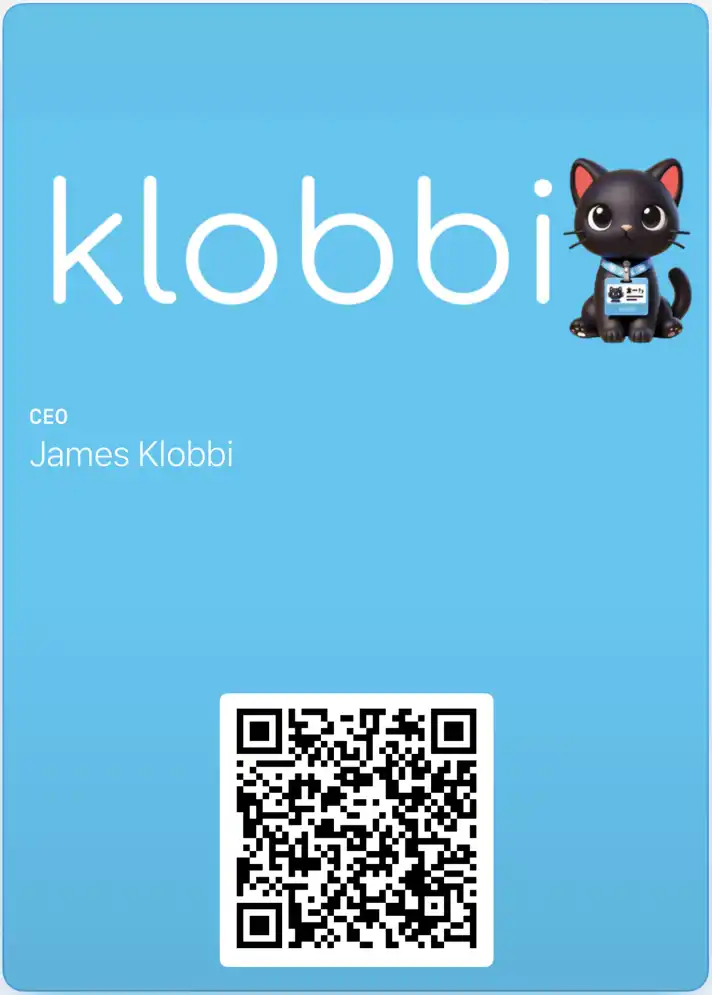
Exchange is a digital business card from Klobbi, a Singapore company, with a Teams plan for companies. You invite members, set roles and permissions, and share one lead pipeline and reminders. The whole team uses one shared wallet design. When someone leaves the company, their card and its data are terminated.
What does a company get with Exchange for teams?
- Multiple seats: invite members to the team workspace
- Roles and permissions for each member
- Assignments, so contacts are given to the right team member
- A shared lead pipeline and shared reminders
- One shared wallet design for the whole team
- The Wallet API for your developers
- Onboarding help

How does a shared lead pipeline work?
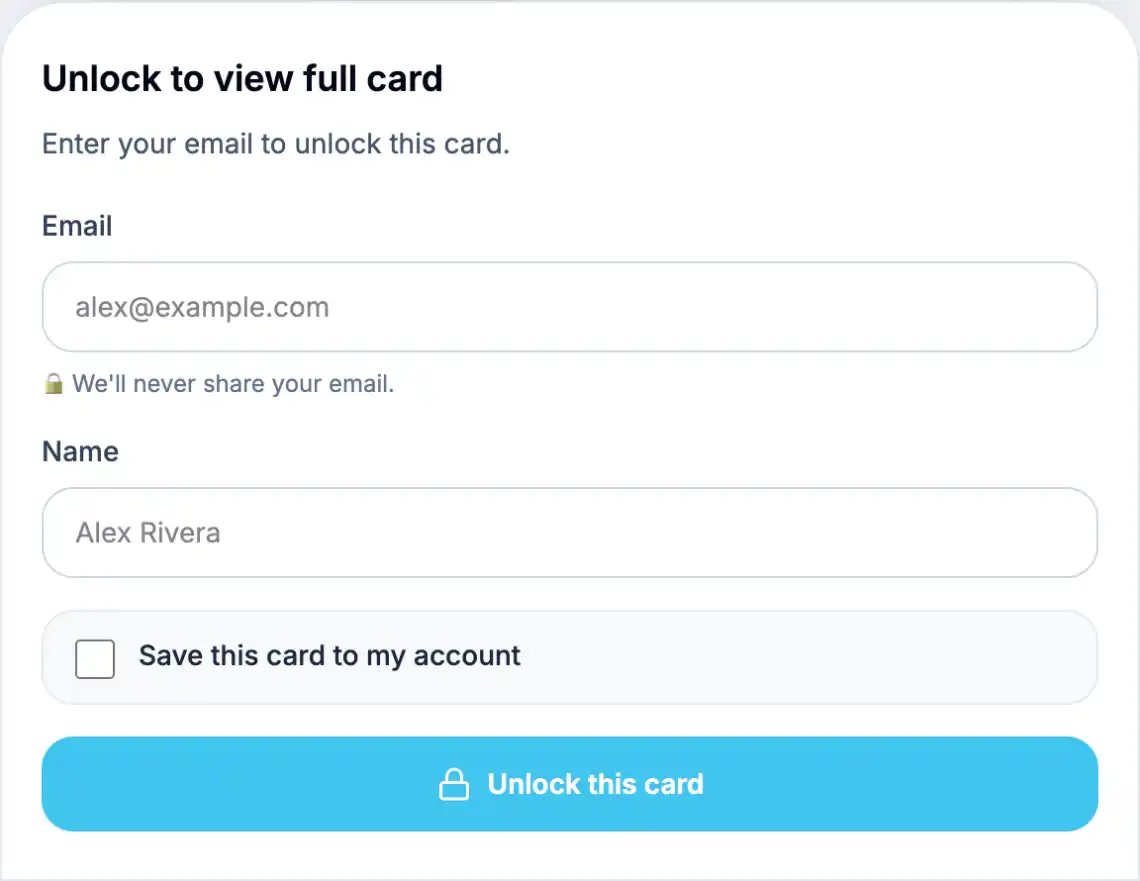
Each member shares their own digital business card, or digital name card, by QR code or link. With lead capture switched on, visitors can give their name and email to unlock a card, and the team works from a shared lead pipeline with reminders.
You can assign contacts to team members, add notes and set reminders. Our guide to following up after exchanging business cards suggests a simple routine.
How do roles and permissions help?
You invite members to the team workspace and give each one a role with its permissions. Contacts can then be assigned to the right member.
How do we keep every pass on brand?
The team workspace has one shared wallet design for the whole team. Read more about wallet passes.
What happens when someone leaves the company?
When someone leaves the company, their Exchange card and its data are terminated.
Can we issue passes from our own systems?
Yes. The Teams plan includes the Wallet API, so your developers can issue Apple Wallet and Google Wallet passes for your own users from a single endpoint. See the Exchange Wallet API.
How do we get started?

The Teams plan includes onboarding help. Talk to us about your team, or try Exchange on your own first with the 30-day free trial, no credit card needed. An individual card costs S$20 per user per year after the trial. For Teams plan pricing, talk to us.
For an overview of every feature, see Exchange, the digital business card from Klobbi.
Frequently asked questions
Can all our staff use the same wallet pass design?
Yes. An Exchange team workspace has one shared wallet design for the whole team.
What happens to a staff member's Exchange card when they leave?
When someone leaves the company, their Exchange card and its data are terminated.
Can our team share the leads its cards capture?
Yes. The Exchange team workspace has a shared lead pipeline and reminders. You can assign contacts to team members, and roles and permissions control what each member can do.
Does each staff member get their own digital business card?
Yes. Each member of an Exchange team shares their own digital business card, or digital name card, by QR code or link, and the team uses one shared wallet design.
Is there help setting up Exchange for a company?
Yes. The Exchange Teams plan includes onboarding help. Contact Klobbi through the Talk to us form on the Exchange digital business card page.
How much does Exchange cost for company staff?
An individual Exchange card costs S$20 per user per year after a 30-day free trial with no credit card. The Teams plan is priced on request: talk to Klobbi about your team.
Give your team Exchange cards
Talk to us about the Teams plan, or try Exchange free for 30 days with no credit card.