
Paper vs digital business card: an honest comparison
A plain look from Klobbi in Singapore at when a digital business card helps, and when paper is still fine.
30-day free trial, no credit card. Bringing a team? Talk to us
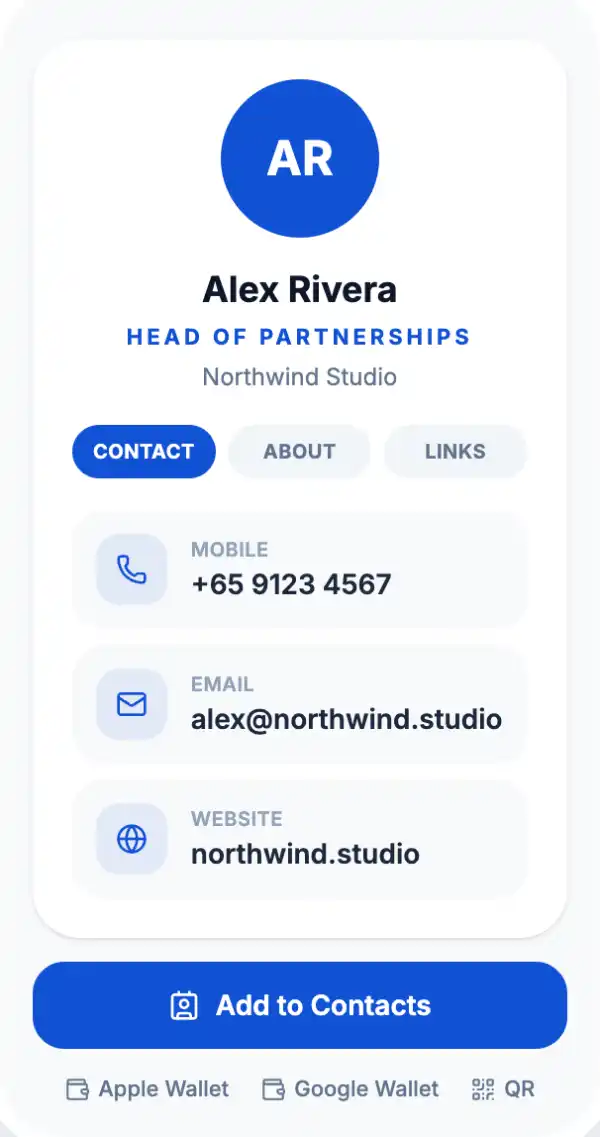
A paper business card, or name card, is simple and works without a phone, but it cannot change once printed and you only get the other person's details if they hand you a card. A digital business card such as Exchange, from Klobbi, is shared by QR code or link, updates when you edit it, and can capture details people choose to share.

What is the difference between a paper and a digital business card?
Both do the same basic job: they give someone your name and how to reach you. The differences are in what happens before and after the hand-over.
| Question | Paper card | Exchange digital card |
|---|---|---|
| How you share it | Hand it over in person | QR code or link; opens in any web browser |
| When your details change | Reprint the cards | Edit the card: the page updates at once and saved wallet passes refresh on their own. QR code and link never change |
| Getting the other person's details | They hand you their card, if they have one | Optional lead capture: visitors can give their name and email to unlock your card |
| Following up | Type the details up yourself, if you want them stored | Contacts land in a workspace with a pipeline, notes and reminders |
| Where it is kept | Wallet, pocket or drawer | Apple Wallet or Google Wallet pass; people who unlock your card can find it again by signing in |
When is paper still fine?
- You rarely meet new people and your details seldom change.
- The person you meet prefers paper, or has no phone to hand.
- You want a back-up for when your phone battery is flat.
- You like the feel of a well-printed card. That is a fair reason.
Paper is not wrong. Its limits are simple: a printed card cannot change, and it does not give you the other person's details.
When does a digital business card help most?
A digital business card, or digital name card, is most useful if you meet many people, change roles or numbers, or want to follow up properly. With Exchange, your details stay current without reprinting, and lead capture can put the details of people who choose to share them straight into your workspace.
From there, a simple routine does the rest. See our guide on how to follow up after exchanging business cards.
Can I use both?
Yes. Some people keep a few paper cards and share a digital card most of the time.
How do I try a digital business card?
Start the 30-day free trial of Exchange, the digital business card from Klobbi, with no credit card. It includes one card with your own design, wallet passes, lead capture, saved cards and a workspace with a pipeline and reminders. After the trial, Exchange costs S$20 per user per year.
Frequently asked questions
Is a digital business card more professional than a paper one?
What matters more than the format is whether your details are correct and easy to save. A digital business card can be updated at once when they change, while a paper card needs reprinting.
Do I need to reprint anything when my Exchange details change?
Not for the digital card. Your Exchange QR code and link never change, and when you edit your card the card page updates at once.
Can people save my digital business card to their phone?
Yes. An Exchange digital business card has an Add to Contacts button that saves your details to the other person's phone in one tap.
Can I use paper and digital business cards together?
Yes. Some people keep a few paper cards, for example as a back-up when their phone battery is flat, and share a digital business card most of the time.
Does the person I meet need an app to open a digital business card?
No. An Exchange digital business card opens in any web browser, so the person you meet needs no app.
Try a digital card alongside your paper one
Try Exchange free for 30 days, with no credit card.